|
Professional email hosting to keep your business communication secure and reliable.

1 Mailbox
3 Mailboxes
5 Mailboxes
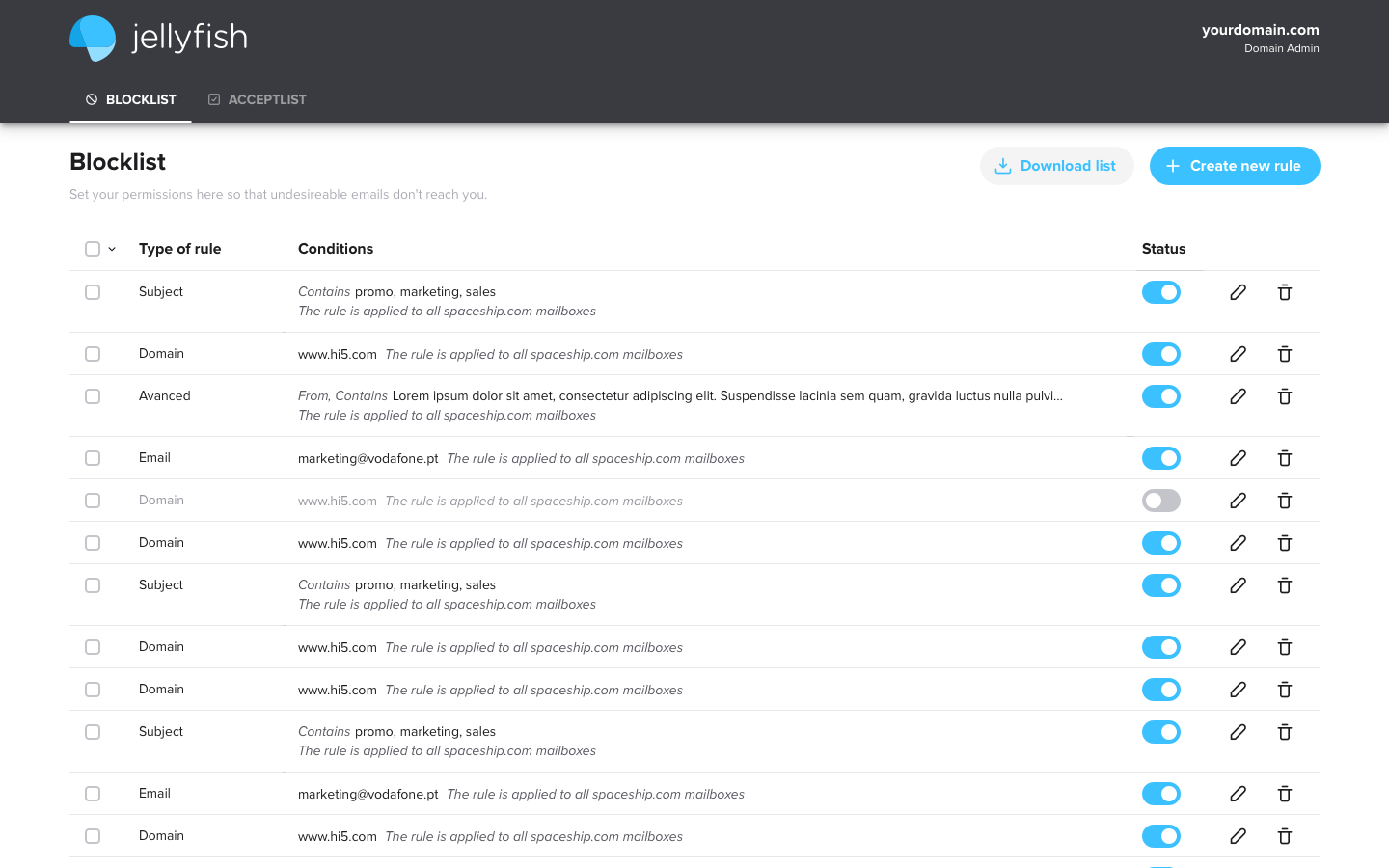
See spam disappear over time as Jellyfish uses machine learning to tighten the net on junk emails — based on your preferences.
From tailoring your email flow to creating specific advanced filter rules, Jellyfish is ready! Its smart machine-learning technology works quietly in the background to ensure your inbox is always free of spam.
Find answers to common questions about our email hosting services
Just like web hosting, email hosting is server space that stores your mailbox rather than a website. It also has a portal that manages the sending and receiving of emails. Like web hosting, it connects to your domain allowing you to make professional email addresses ([email protected]). Most companies basically rent out space on an email server to customers, then handle email sending and receiving.
Our professional business email is, however, more than just storage space and a delivery service. It also includes a wide variety of integrations and collaboration features designed to boost productivity and team effectiveness.
Discover more about our email hostingAn email hosting provider is usually defined by MX records that point incoming emails to a particular provider — who then processes those messages. To find your MX records, you'll need to perform an MX lookup. For example, if your email address is [email protected] you need to look up MX records for yourdomain.com.
Free online services such as MXtoolbox will give you a list of MX records that usually offer a provider's name and corresponding IP address records. Sometimes, though, a domain might have a custom domain-based email MX record (e.g. mail.yourdomain.com). If that's the case, you should also perform a Whois search on one of the IP addresses. That will give you the name of the email provider.
That's easy!
To get a custom email, first, you need to register a domain name. You can do this with any domain name registrar. But, if your domain is with us and you purchase an email hosting plan, all your records will be set up automatically in most cases.
If you registered your domain name somewhere else, it's called a third-party domain name. But don't worry. You can still get a professional email plan with us, and easily set this up in a few clicks. We'll email you the steps to set up your account when you purchase your email hosting.
Once you have an email plan set up, [email protected] is ready to go!
With our hosted email service, you are renting high-quality email servers to manage the communications of your business. Some hosting providers offer free email hosting options with very few features and little to no support. Our email hosting is a premium email solution that gives you more flexibility and power. It's just one of the reasons why so many business owners choose us, along with our 24/7 customer support.
Our email hosting is collaborative and provides a fresh interface that works across all devices — including tablets, desktops, mobile, and notebooks – allowing users to communicate whenever, and wherever, they want. It allows users to add a public space using shared folders, create and manage work schedules, and much more. Users can set and control tasks with ease. It's also easy to see the availability of colleagues when planning meetings and events.
Our email hosting is perfect for big and small businesses looking to create a professional email presence. It enables users to set up custom business email addresses that build trust with customers.
No, you don't need any web hosting plan to use our Email Hosting. They are two separate products and can be bought independently of one another, but they also work smoothly together.
Yes — we have plenty of videos that show the look and feel of our Email Hosting interface. You can explore how to set up an email account, migrate email, manage your business email address, and much more.
If you are using a third-party email service hosted elsewhere and would like to switch to our Email Hosting, you can easily migrate your old emails to our servers using the webmail interface. Important messages from your Inbox, Drafts, Sent, and other folders can all be moved to your new email accounts. Whether you are using Outlook, Thunderbird, MacMail, or another web-based email service, we assure you that our email migration service supports importing emails and setting up your business email addresses seamlessly.
Our Email Hosting supports TOTP methods of two-factor authentication which is one of the stronger 2FA methods.
TOTP (Time-based One-Time Password) is a standardized method that generates a changing temporary code that is unique each time and expires as soon as the new one has been generated. Implementing 2FA enhances the security of your business email account, ensuring that your encrypted email communication remains protected with an additional layer of security.
If you have already created an email account with us, you can access it by visiting our email login page. Enter your full email address (e.g. [email protected]) and your password, then click the "Login" button to access your inbox.
For those who haven't created an email account yet, start by setting up your email account. This involves creating an email address using your custom domain. For instance, if your domain name is yourbusiness.com, you might create a professional email address such as [email protected].
After selecting your Email Hosting plan and registering your domain name, you can start setting up an email account to meet your business needs. This process usually involves configuring the correct DNS records and activating your mailbox. Following our easy step-by-step guides will help you establish a custom business email address, which builds trust with your clients and enhances your professional image. Our 24/7 customer support is available to answer any questions you might have.
Yes, you can use Outlook or Gmail with your email address. This flexibility allows you to access your business email through your preferred email client, enhancing your professional email experience.
To set up your email account with Outlook or Gmail, you need to configure it using IMAP/POP3/SMTP settings. Detailed guidelines for various operating systems and email clients can be found in our knowledge base.
These guides will help you set up your email account correctly, ensuring secure email access and communication. Our 24/7 customer support is also ready to answer any questions.
Can't find the answer you're looking for? Please chat with our friendly team.
We provide everything you need to succeed online

Don't know where to start? Our step-by-step tutorials and 24/7 support team walk you through domain setup, hosting configuration, and WordPress installation.
Get started
Access our resource center for hosting best practices, security tips, performance optimization guides, and industry insights.
Get learning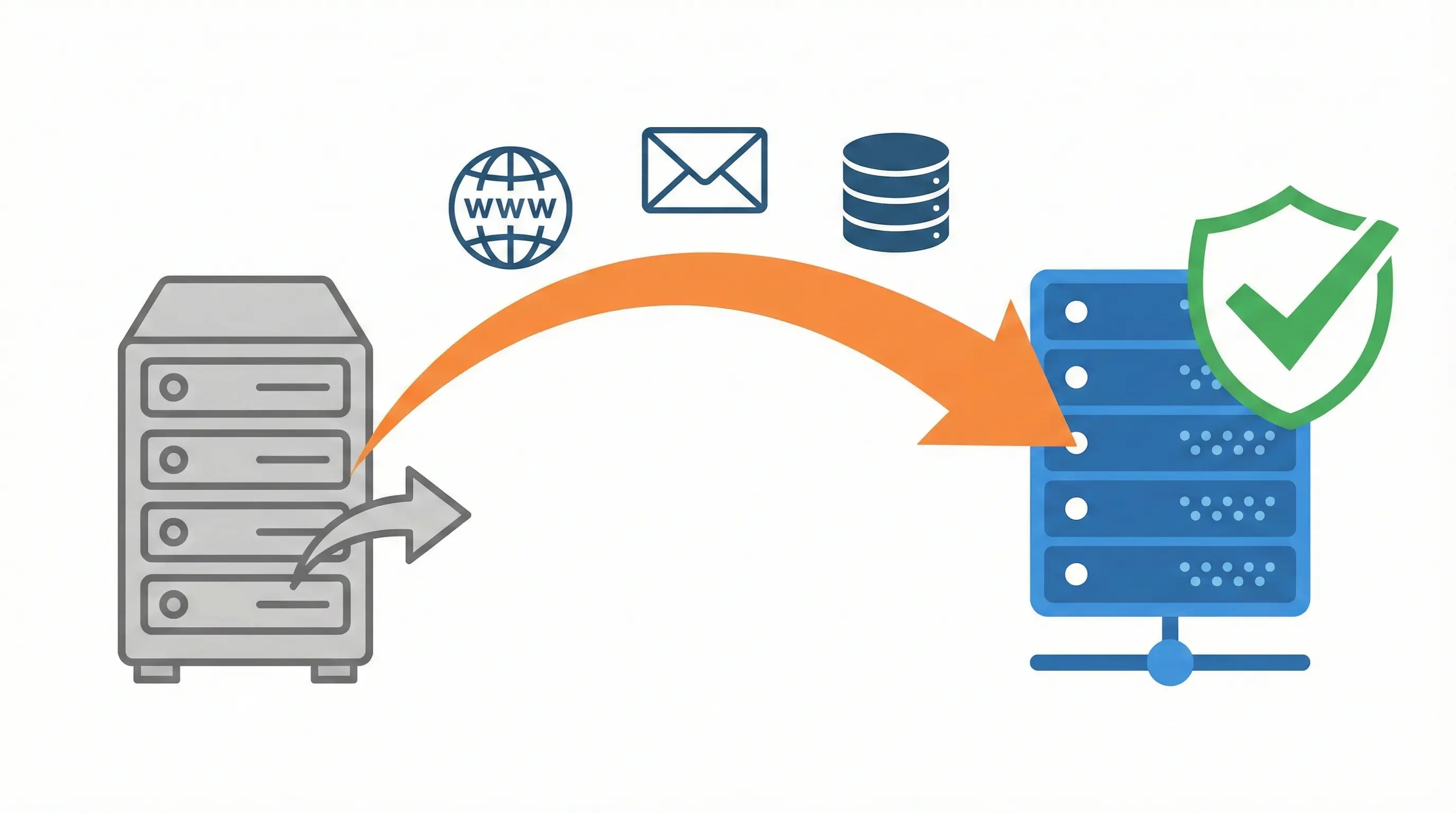
Move your domain and Hosting to Us. Switching hosts shouldn't feel like moving houses. With us, it's simple.
Transfer today